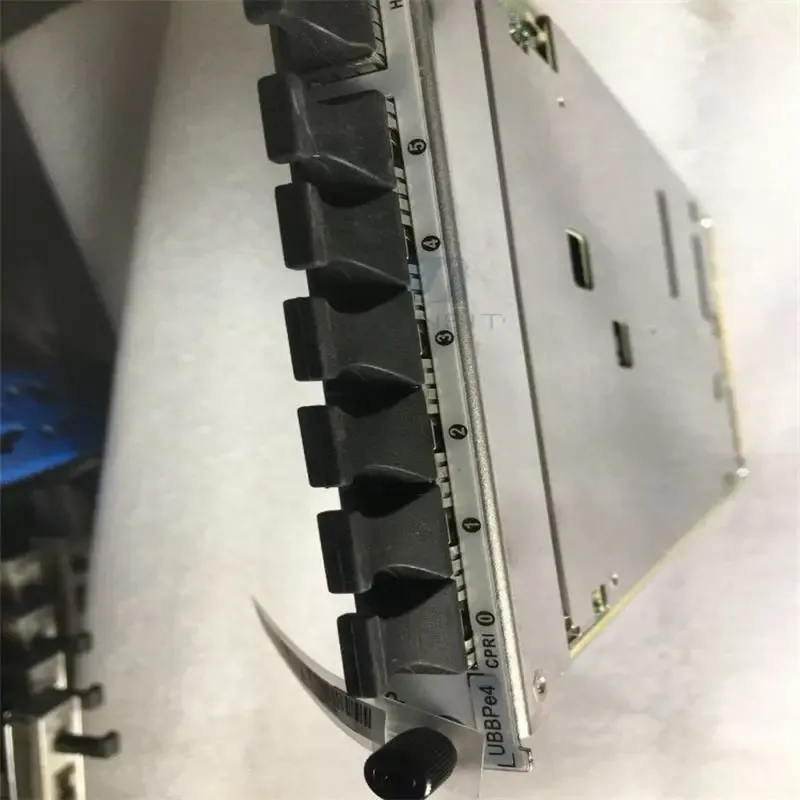
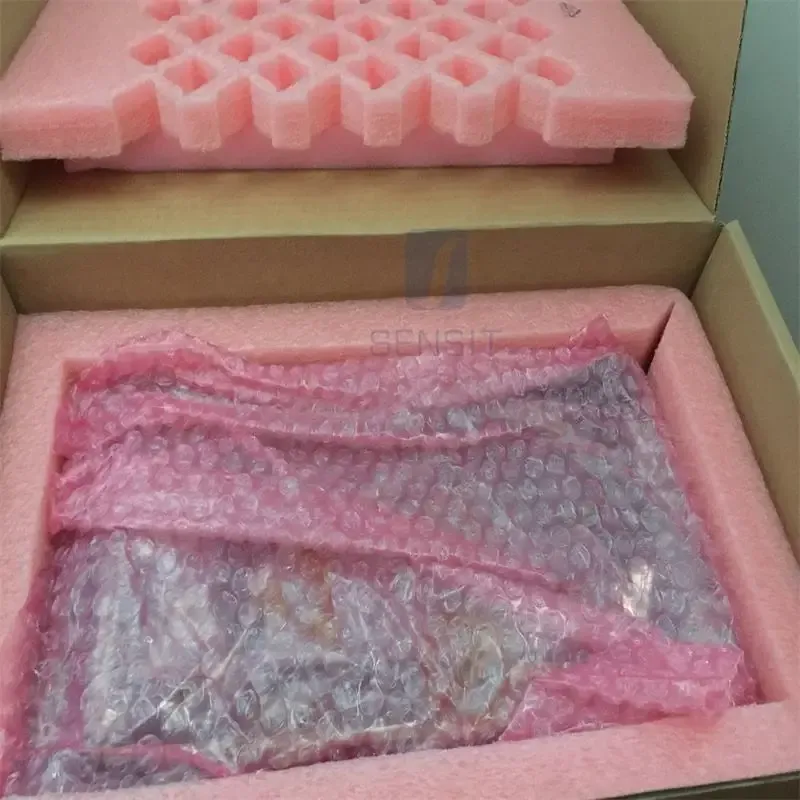
Our company specializes in B2B sales. Please contact us for product quotes, shipping costs, and customs duties.
Our company sells RRUs, BBUs, switches, routers, base station antennas, embedded power supplies, transmission equipment, communication power cabinets, storage devices, optical cables and fibers, feeder lines, power dividers, power inverters, OLTs, data communication equipment, optical modules, and other products.

Az Ön kosara

Az Ön kosara most üres.

VÁSÁRLÁS FOLYTATÁSA
You May Also Like
1 / 4

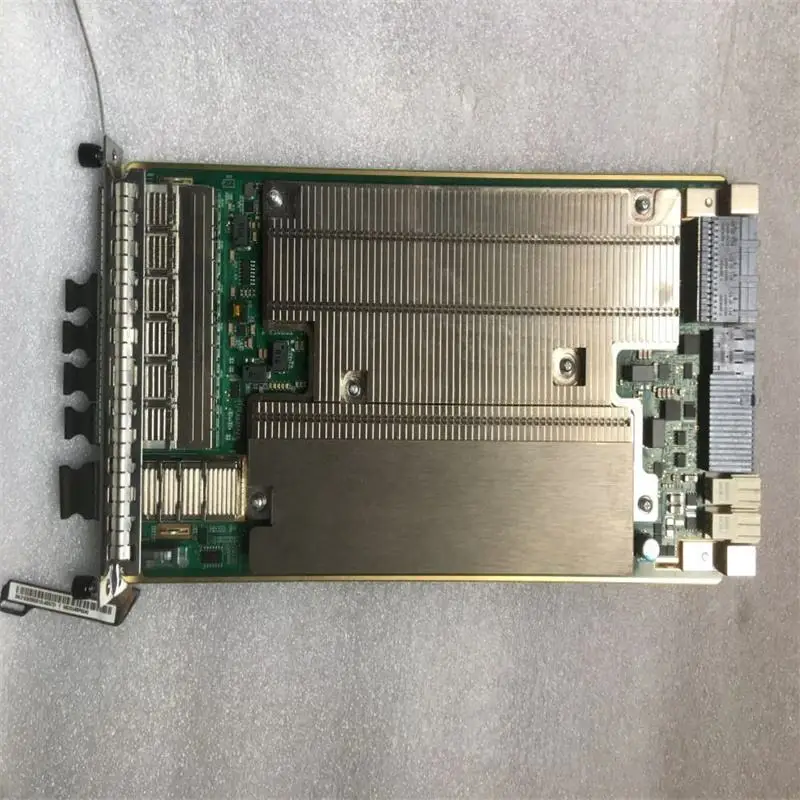
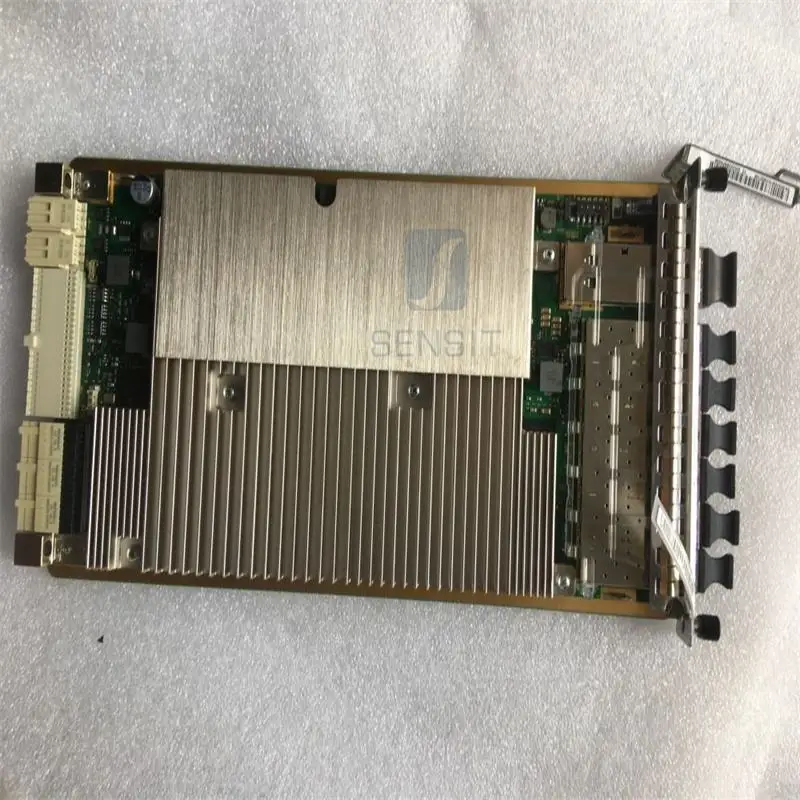
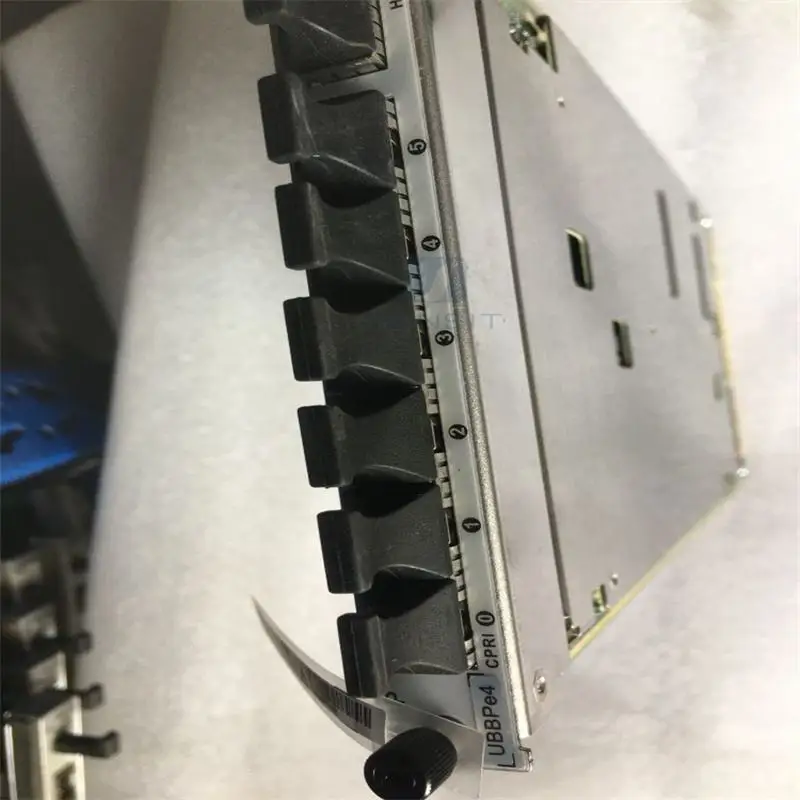
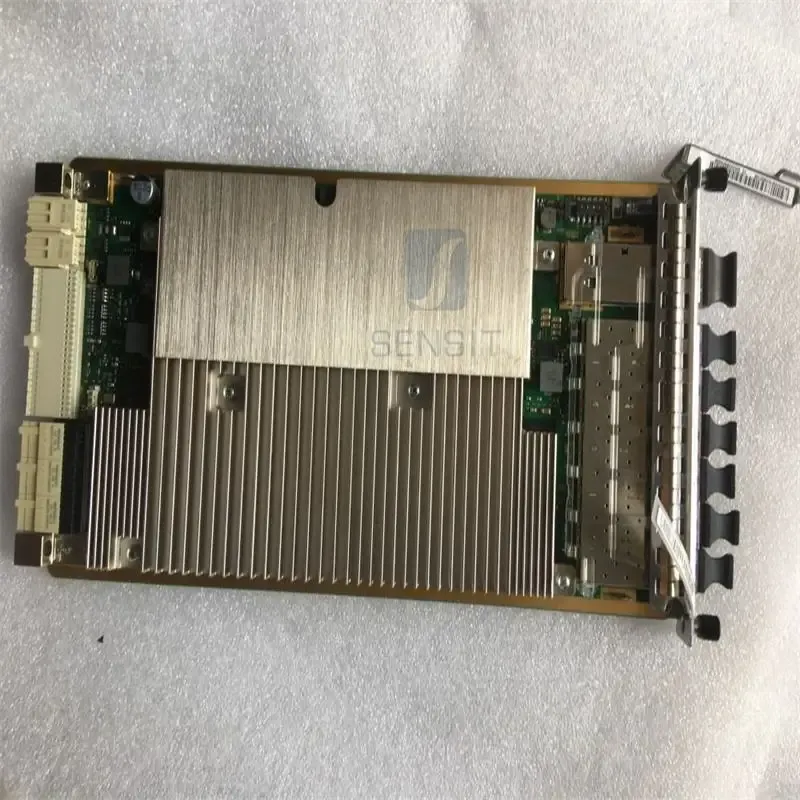
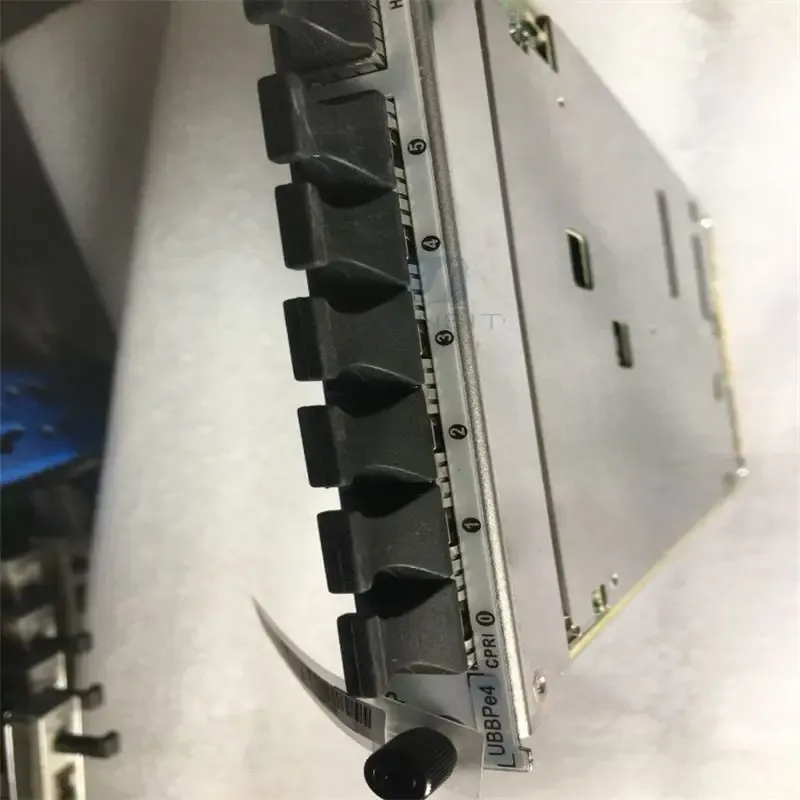
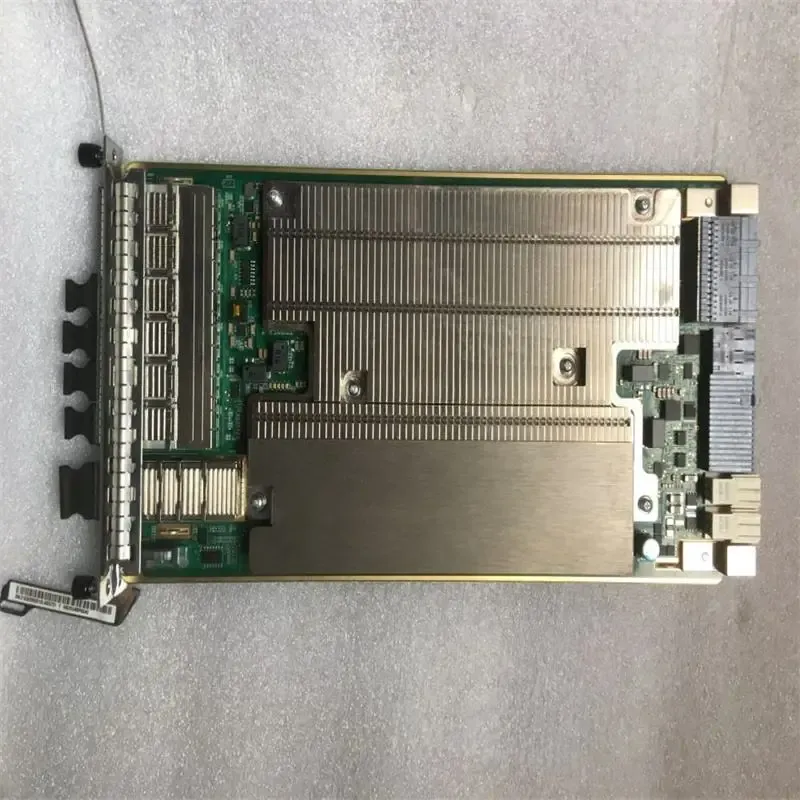
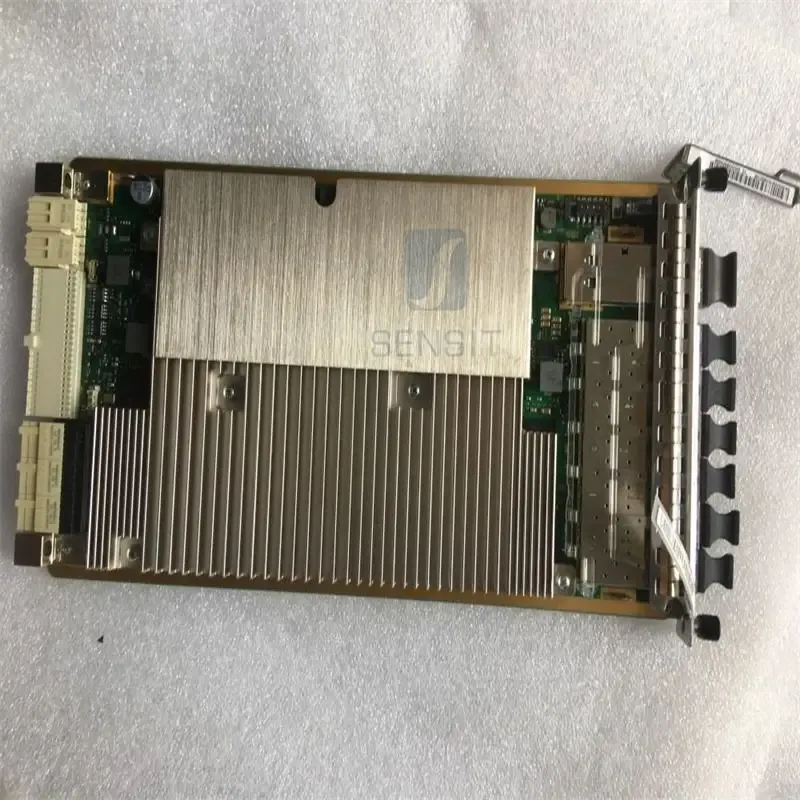
For BBU5910 Baseband Board for Base Stations 48VDC Power H.264 Coding UBBPd1/d2/d3/d4/d5UBBPe1/e2/e3

$199.94 USD
A szállítási költség fizetéskor kerül kiszámításra
Mennyiség
Product details
For BBU5910 Baseband Board for Base Stations 48VDC Power H.264 Coding UBBPd1/d2/d3/d4/d5UBBPe1/e2/e3

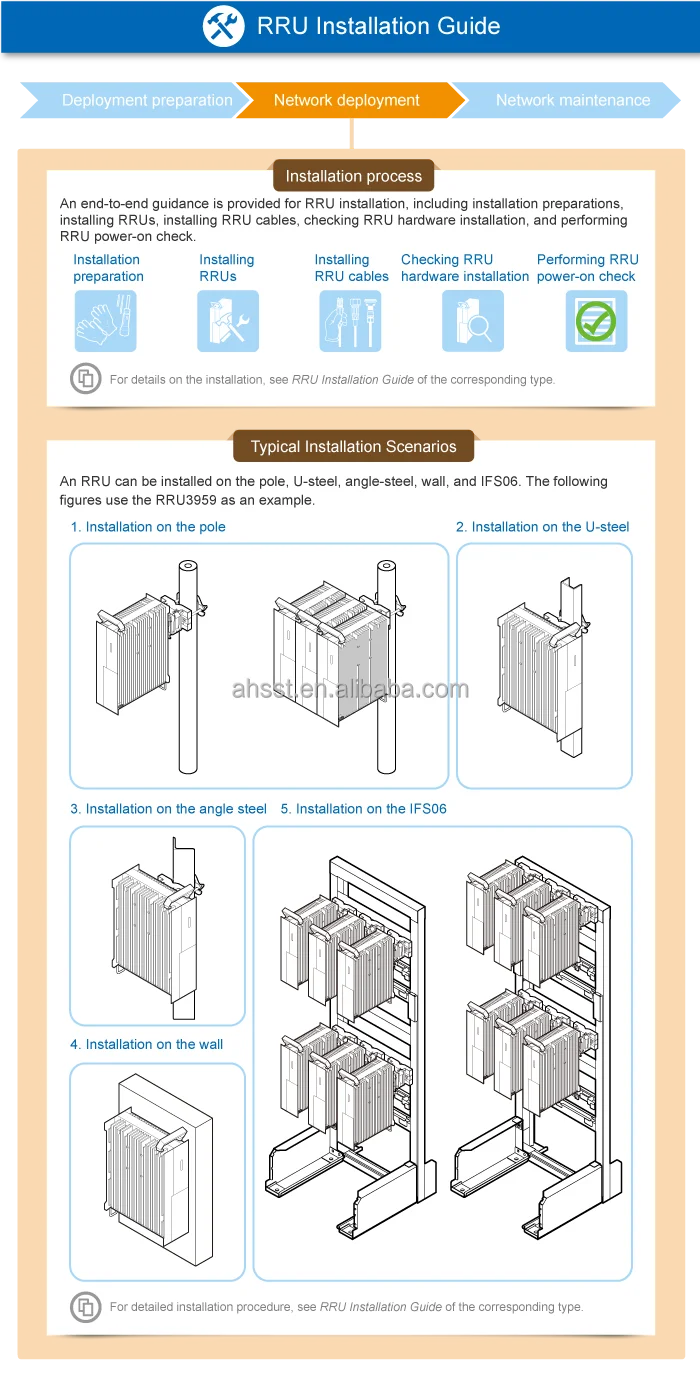
Powering On an RRU

This section describes the procedure and precautions for powering on an RRU.After powering on an RRU, observe the indicators on the RRU to check the running status.

Prerequisites

  • The RRU hardware is installed and RRU cable connections are secure.
  • The input voltage of a DC RRU ranges from –36 V DC to –57 V DC.
  • The input voltage of an AC RRU ranges from 100 V AC to 240 V AC.

Context

After unpacking an RRU, power it on within 24 hours.If you power off the RRU for maintenance, restore power to it within 24 hours.

Procedures

  1. On the power equipment for the RRU, set the corresponding circuit breaker to ON or insert a corresponding EPC connector.


    After the RRU is powered on, do not look into the optical module without eye protection.


  2. Wait 3 to 5 minutes, and then check the RRU indicator status.For details, see the RRU Indicators section in RRU Hardware Description.


    If RRUs are cascaded, check the status of all RRU indicators.


  3. Take corresponding actions based on the indicator status.


    If...

    Then...

    The RRU is working properly

    End the power-on task.

    The RRU is faulty

    On the auxiliary power equipment for the RRU, set the corresponding circuit breaker to OFF  or remove the corresponding EPC connector. Rectify the fault, and then go to  1.
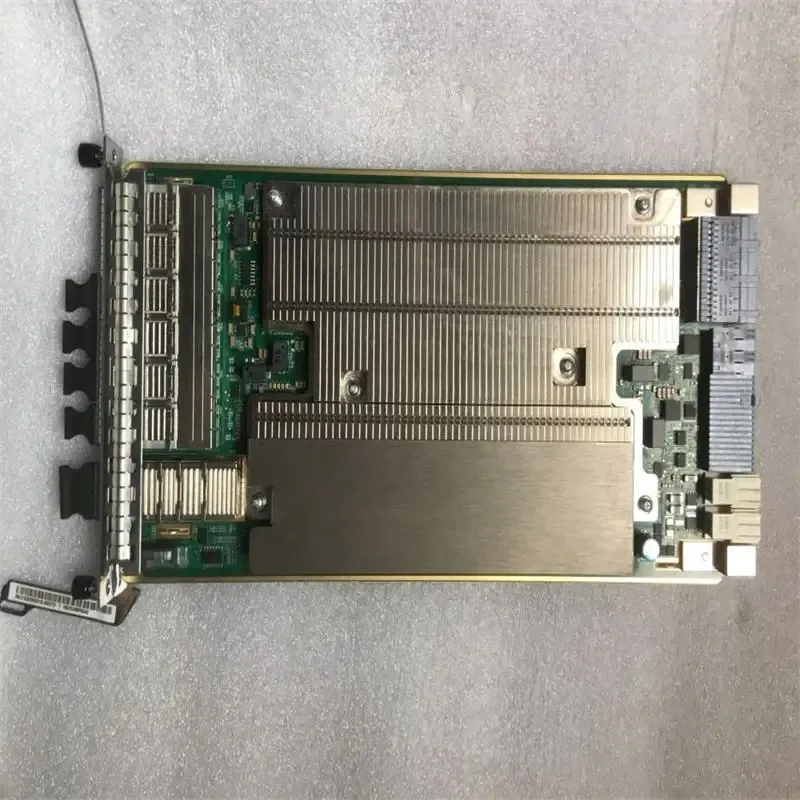
For BBU5910 Baseband Board for Base Stations 48VDC Power H.264 Coding UBBPd1/d2/d3/d4/d5UBBPe1/e2/e3-boxintelecom For BBU5910 Baseband Board for Base Stations 48VDC Power H.264 Coding UBBPd1/d2/d3/d4/d5UBBPe1/e2/e3-boxintelecom For BBU5910 Baseband Board for Base Stations 48VDC Power H.264 Coding UBBPd1/d2/d3/d4/d5UBBPe1/e2/e3-boxintelecom For BBU5910 Baseband Board for Base Stations 48VDC Power H.264 Coding UBBPd1/d2/d3/d4/d5UBBPe1/e2/e3-boxintelecom

You may also like