(1).png?w=2643&h=1585)


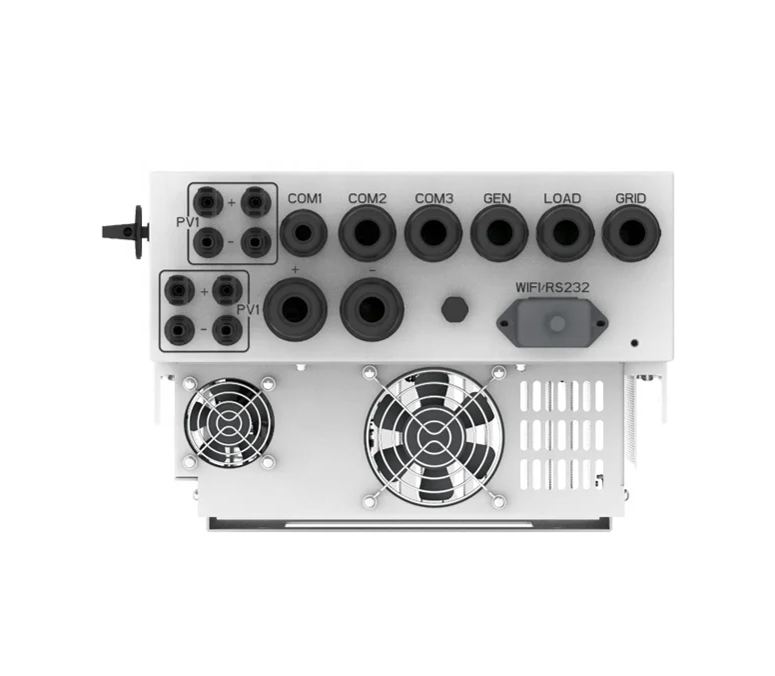
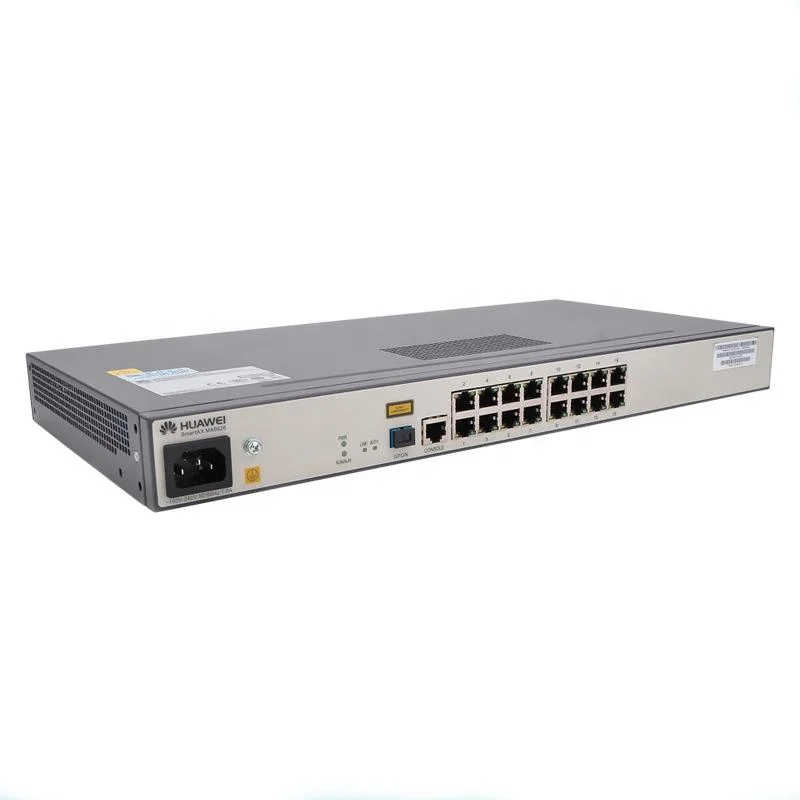
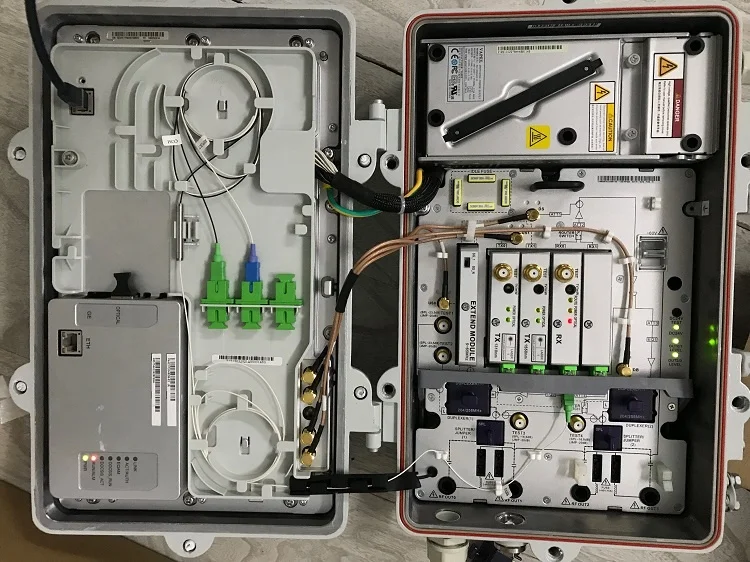
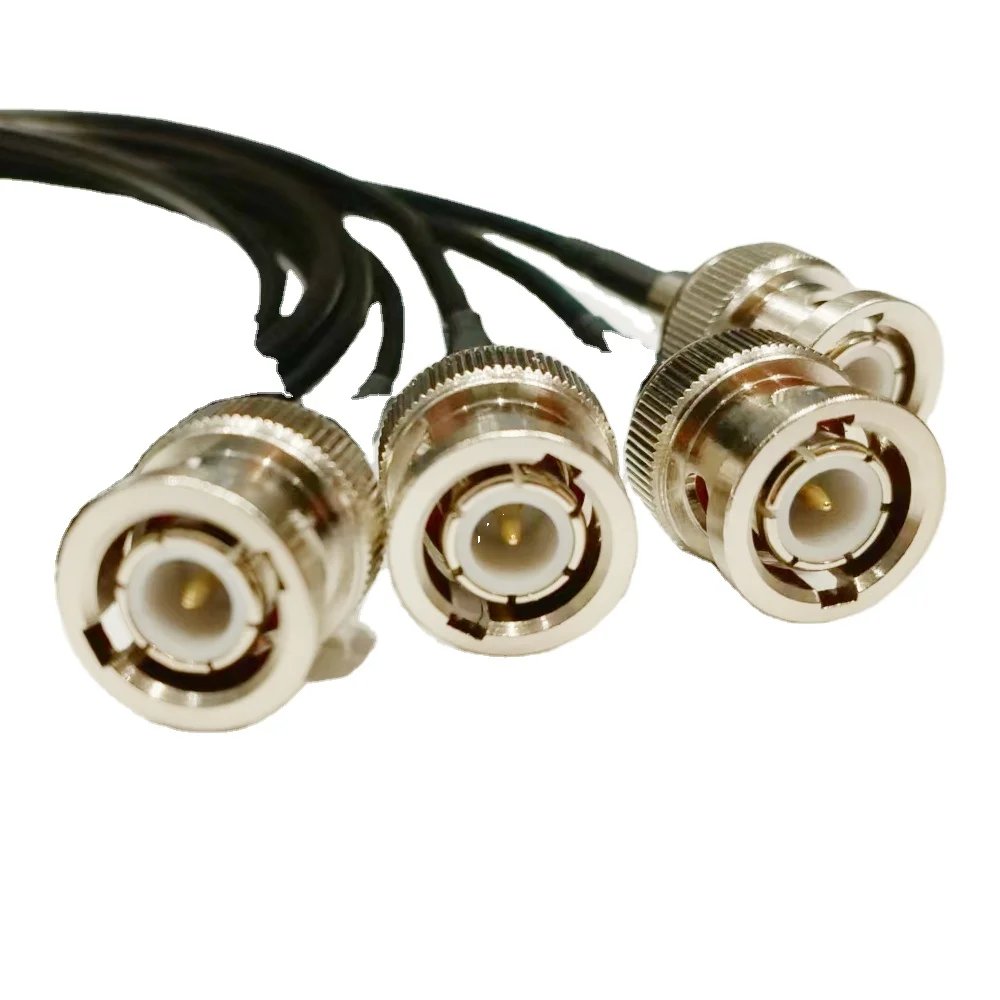

In the world of e-commerce infrastructure, the focus is perpetually on the front-end: website uptime, page load speed, and conversion rate optimization. Yet, the physical backbone that enables this digital storefront—the cellular and network hardware—often operates as a silent, forgotten partner. For operations relying on private networks or edge computing, particularly in large warehouse or logistics environments, the maintenance of Radio Remote Units (RRUs) and Baseband Units (BBUs) like the Ericsson 6630 series isn’t just a technical checklist; it’s a direct line to operational continuity and cost control. Neglect here doesn’t manifest as a website error code; it appears as a gradual, insidious degradation in data throughput, leading to failed inventory scans, delayed order processing, and frustrated field teams.

Why Maintenance Feels Like a Secondary Concern
For an e-commerce operations manager, a baseband board is an abstract concept. It’s housed in a cabinet, likely in a harsh environment like a rooftop or warehouse mezzanine, far from the air-conditioned server room. The immediate pressure is always on the software and the user experience. This disconnect creates a dangerous blind spot. The BBU 6630 and its connected radio units are workhorses designed for carrier-grade reliability, but they are not immune to the realities of physics. Dust accumulation, thermal cycling, and minor connector corrosion are slow-moving events. By the time a critical alarm is raised—a radio link failure, a baseband processing overload—the business impact has already been accumulating for weeks in the form of micro-outages and latency spikes that analytics tools often misattribute to “network congestion” or “ISP issues.”
The Specific Pitfalls of the 6630 Ecosystem in an Industrial Setting
Working with the base6630 radio2219 hardware in a non-telecom environment reveals unique challenges. These units were engineered for controlled base stations, not for the vibration from forklifts or the conductive dust in a packaging area.
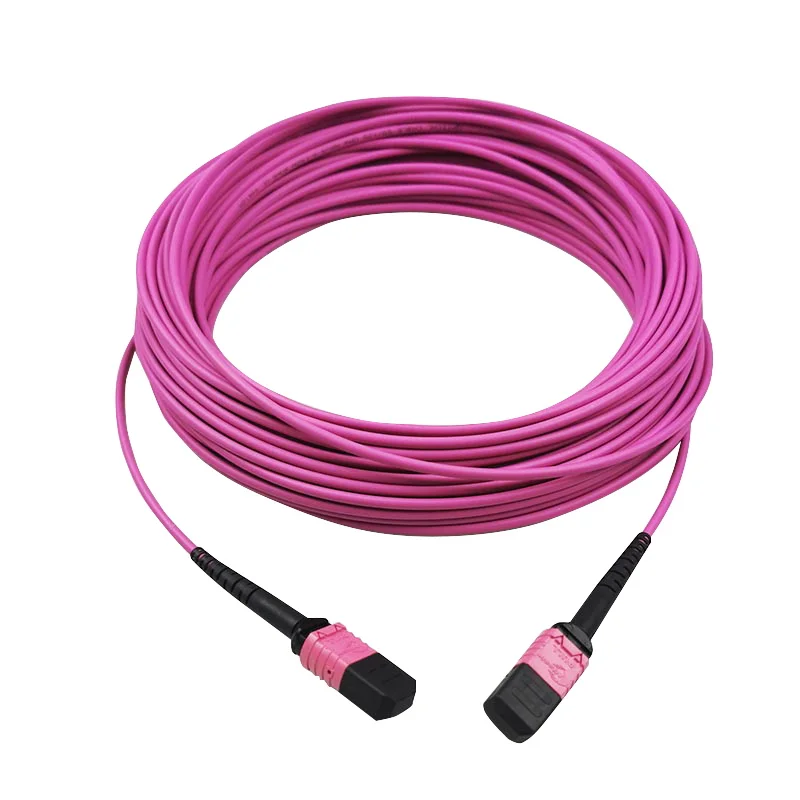
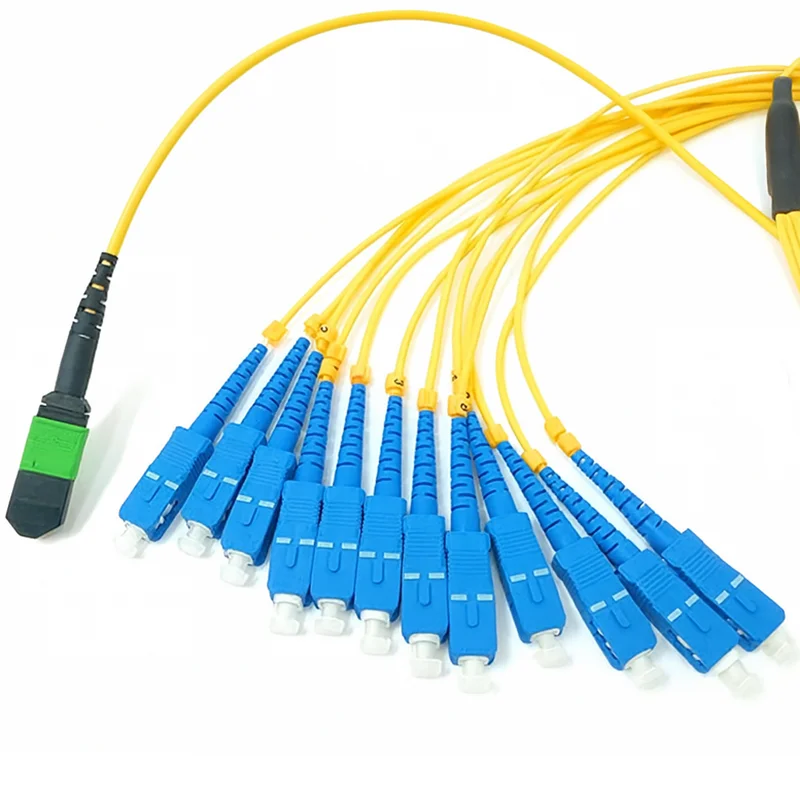
One observed failure mode involves the fiber optic interfaces on the BBU 6630. The small-form-factor connectors are precise. In one deployment, intermittent packet loss was traced back to a slightly misaligned connector that had been jostled during unrelated cabling work in the cabinet. The link didn’t fail outright; it just introduced enough errors to cause retransmissions, slowing down the entire wireless data pipeline for handheld scanners. The fix was simple—reseating the connector—but the diagnosis took days because the symptoms mirrored software glitches.
Thermal management is another silent killer. The base6630 radio2219 units have specific airflow requirements. In a warehouse cabinet that also houses power supplies and switches, it’s easy for hot air to recirculate. We once saw a BBU board throttle its processing power during peak afternoon hours, coinciding with the warehouse’s busiest picking period. The system logs showed no overt temperature alarm, just a noted reduction in baseband capacity. The root cause was a clogged air filter on the cabinet intake that no one had checked because it wasn’t part of the IT team’s standard maintenance runbook.
Integrating Hardware Vigilance into a Digital-First Workflow
The lesson isn’t that e-commerce teams need to become RF engineers. The lesson is that operational runbooks must expand to include physical layer checks. This means:
- Scheduled Environmental Audits: Quarterly visual and thermal inspections of communication cabinets, checking for dust, verifying clear airflow paths, and ensuring all connectors are secure. A simple infrared thermometer can spot overheating before a unit fails.
- Log Aggregation with Context: System logs from the BBU and network management systems shouldn’t live in isolation. Correlating a spike in baseband processor usage with a drop in mobile scanner transaction success rates can quickly point to the hardware layer.
- Strategic Sparing: For critical nodes, having a spare base6630 radio2219 or BBU board on-site isn’t overkill. The lead time for sourcing specialized telecom hardware can be days or weeks, even from a reliable B2B supplier. That’s an eternity in e-commerce. The cost of the spare part is insurance against lost revenue during a peak sales period.
The relationship with a specialized supplier becomes crucial here. When you need a specific baseband board or radio unit, you’re not shopping for commodity RAM. You need guaranteed compatibility, firmware version alignment, and sometimes technical support. A supplier that understands the B2B landscape for this equipment, who can accurately quote not just the product but the logistics of shipping and customs for a global operation, transitions from a vendor to a operational partner. This is where a company like BoxinTelecom, which specializes in this niche hardware, provides value beyond the transaction.
The Bottom Line: Latency is a Physical Property
In 2026, as edge computing and real-time inventory systems become standard, the tolerance for latency approaches zero. A delay of 200 milliseconds in confirming an item’s location can bottleneck an entire automated picking line. Much of that latency budget can be consumed by poorly maintained radio access hardware before the data even reaches the software application.
Maintenance of RRUs and BBUs is, therefore, not a telecom expense; it’s a cost of goods sold. It directly protects the velocity of the business. The precautions are often mundane—cleaning filters, checking torque on antenna cables, monitoring unit temperatures—but their impact is profoundly digital. Ignoring the physical layer because it’s “not software” is a luxury modern e-commerce operations can no longer afford.
FAQ
Q: How often should we physically inspect our RRU/BBU installations? A: For industrial environments (warehouses, logistics hubs), a quarterly visual and thermal inspection is a good baseline. Before any major seasonal peak (like Black Friday or holiday sales), conduct an additional check. Environmental factors like excessive dust or humidity may require monthly checks.
Q: We’re seeing intermittent wireless dropouts in our warehouse. Could it be the BBU even if there are no major alarms? A: Absolutely. Intermittent issues are often hardware-related. Before deep-diving into software, check the physical layer: inspect all fiber and electrical connections between the BBU and RRUs, look for signs of overheating on the units, and verify the integrity and grounding of antenna feeder cables. A loose connection is a common culprit.
Q: Is it necessary to keep firmware updated on this type of hardware? A: Yes, but with caution. Firmware updates can address performance and stability issues. However, they must be planned and tested in a maintenance window. Always source firmware and update procedures from a reliable supplier or the original manufacturer to ensure compatibility. Never update during active operational hours.
Q: We need to replace a faulty unit. What should we specify to ensure compatibility? A: You need the exact model number (e.g., BBU 6630, Radio 2219), the specific hardware version or RXC number, and the compatible firmware version currently running on your system. Providing this information to your B2B supplier is critical to avoid compatibility mismatches that can take a system offline.
Q: Can general IT staff perform this maintenance, or do we need a specialist? A: Basic preventative maintenance (cleaning, visual inspection, verifying connections) can be done by trained IT or facilities staff with proper documentation. However, tasks involving configuration, firmware updates, signal testing, or fault diagnosis typically require someone with specific telecom or RF system experience.